Output & Live View
The clean render at /view/<pageId>, and the in-editor Output tab.
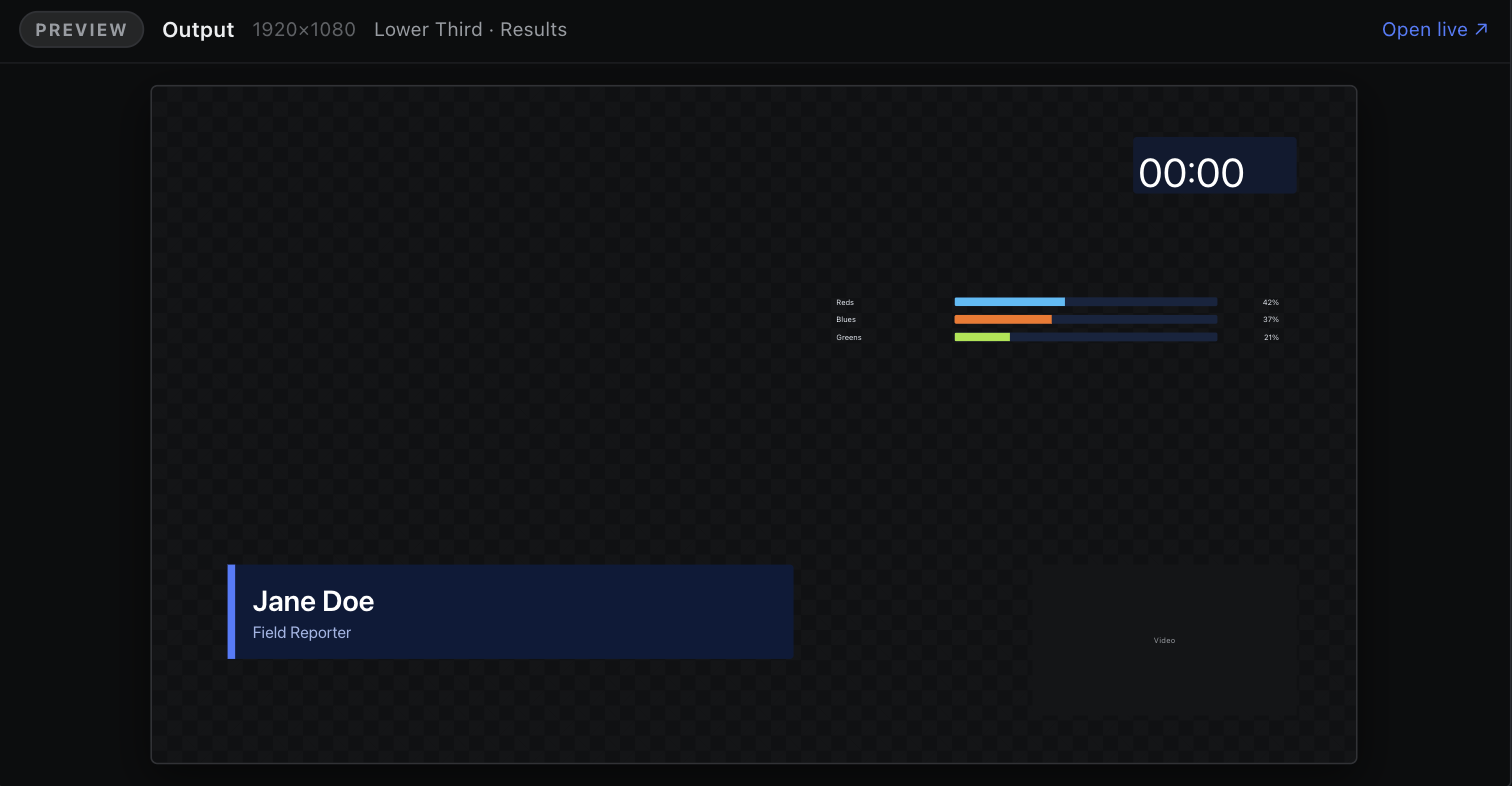
The composite preview inside the editor.
Live output in the Scene Panel opens the Output tab: the same composite the live client renders, in the editor. It shows every on-air canvas scene stacked in order, with repeat groups expanded and animations playing.
It is not a scene tab — there are no handles and no selection. Use it to check what is actually going out while you work on a scene beside it in a split.