Your First Page
Build a lower-third that reads live data and plays to air, end to end.
Make a page and give it a name.
- Open /editor. An unsaved draft is already there — the menu bar's right-hand side reads UNSAVED PAGE.
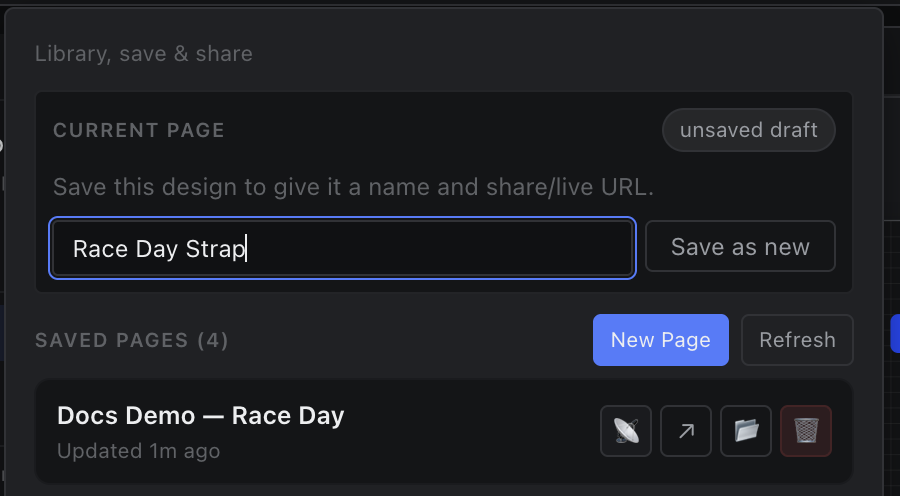
- Menu bar → Page. Type a name in the field beside Save as new and press Enter.
- The status area now reads EDITING <your name>, with a Preview ↗ link beside it.
Saving mints a page id and writes data/pages/<id>.json. Until then the page has no share URL, no live sync and no file store.