Canvas
The design surface: navigation, selection, transform, snapping and ordering.
Zoom, pan, the two canvas modes and the compass.
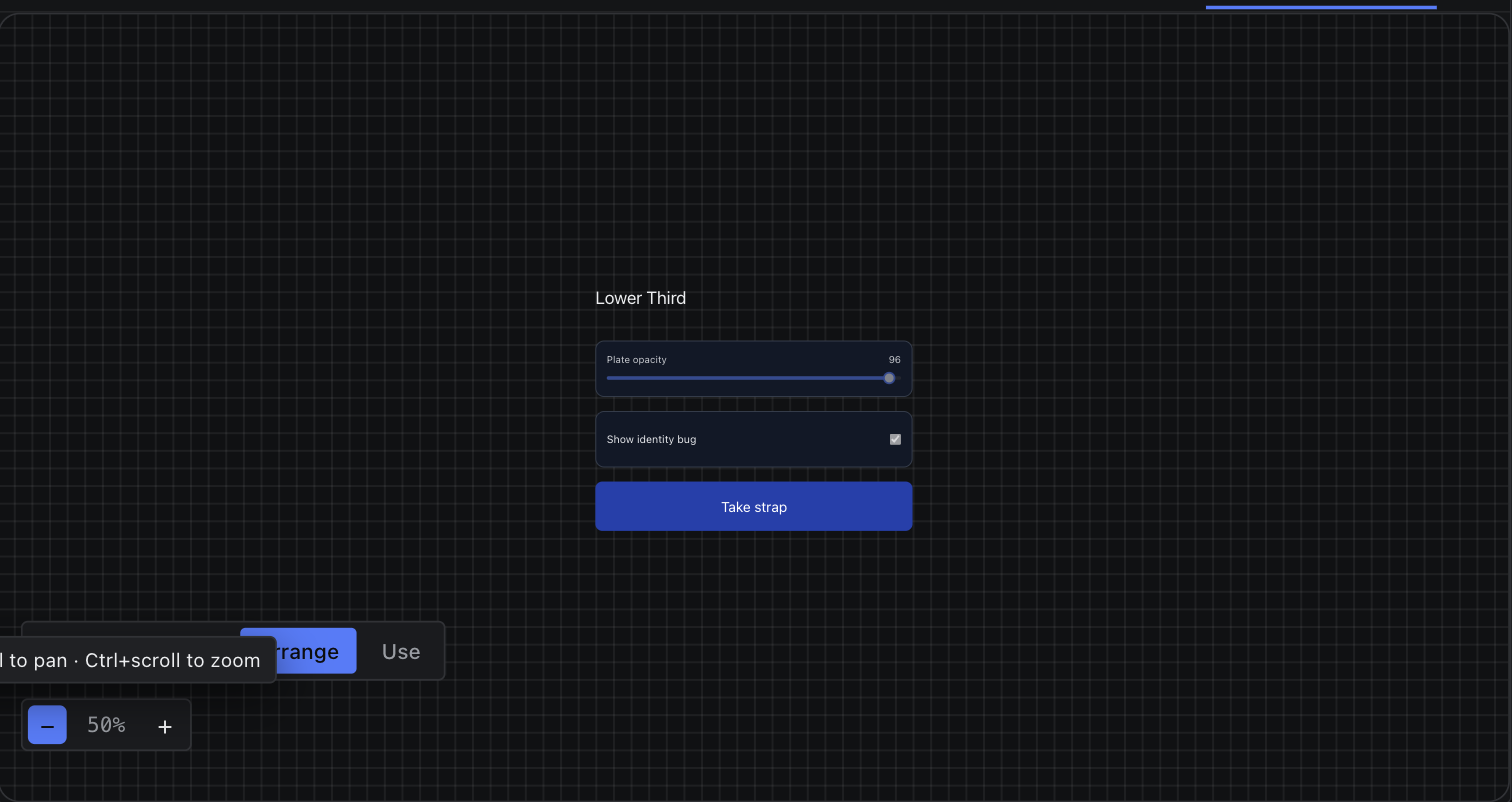
A graphic scene is a fixed page in the page's frame — 1920 × 1080 unless Settings › Show › Format says otherwise. A control panel is an infinite canvas instead — there is no frame to fit, so it pans freely and zooms further out.
| Gesture | Graphic scene | Control panel |
|---|---|---|
| Ctrl / Cmd + scroll | Zoom about the pointer | Zoom about the pointer |
| Scroll | Scrolls the viewport | Pans the canvas |
| Space + drag | Pan | Pan |
| Middle-drag on empty space | Pan | Pan |
| Right-drag | Pan (a right click that does not move opens the context menu) | Pan |
| Zoom range | 50 % – 200 % | 10 % – 300 % |
The zoom control sits bottom-left: − , the current percentage, + . Each click steps by 10 %. Zoom and scroll position are remembered per page and per scene, so reopening a tab puts you back where you were.
The compass
On an infinite canvas a compass needle appears when your widgets are off-screen. It points at the nearest cluster of controls; click it to fly there.
Arrange vs Use
Control panels carry a mode toggle: Arrange to move, resize and wire widgets; Use to operate them — inputs writable, buttons clickable. Graphic scenes are always in Arrange.