Sheets
Spreadsheets as a data source: import, edit, calculate, format and bind.
Bringing in .xlsx, .xls and .csv.
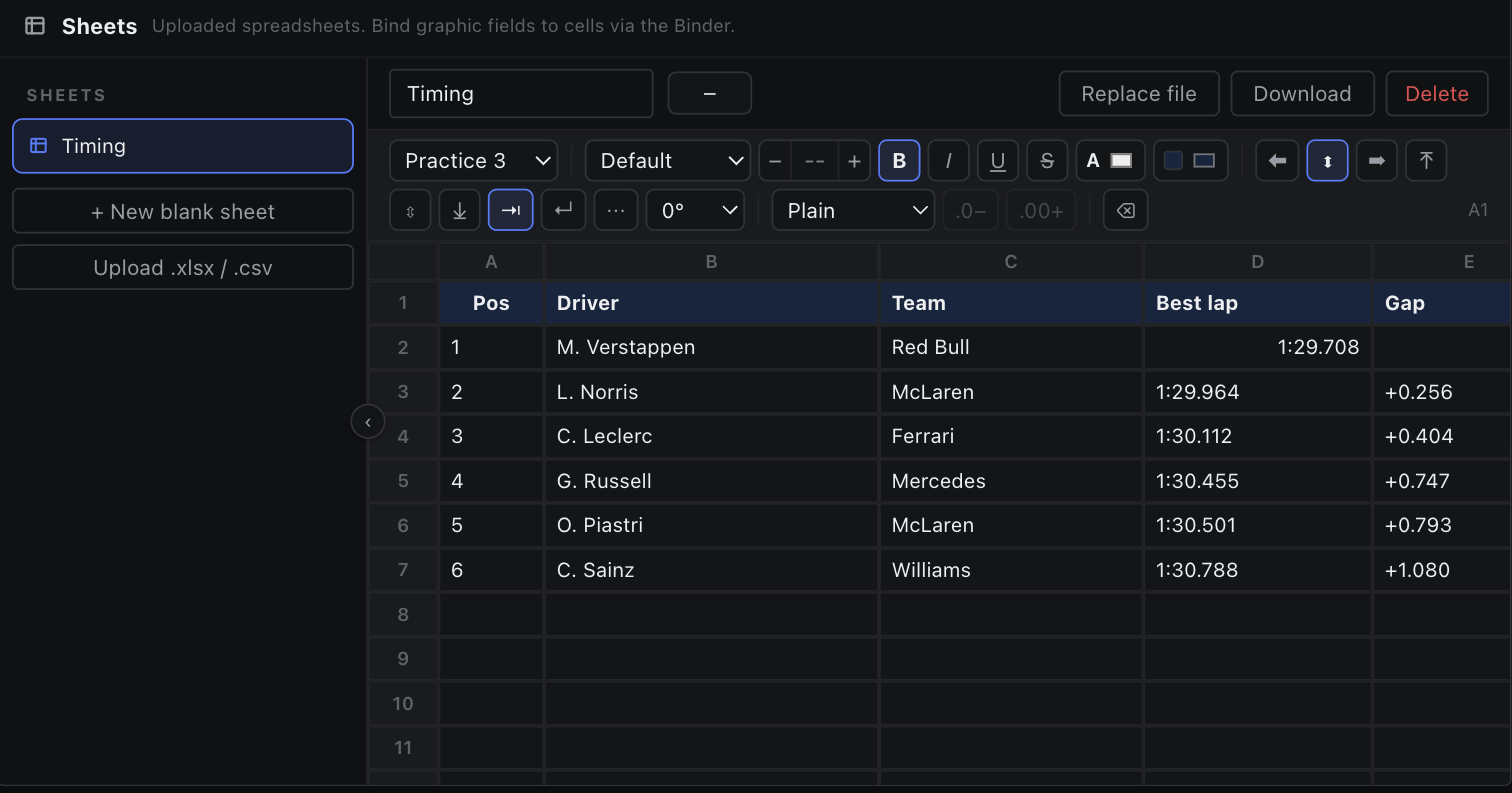
Upload .xlsx / .csv adds a workbook to the page. Every tab is parsed into a grid that travels inside the page JSON, so the runtime and the agent reports never need a spreadsheet parser — parsing happens once, in the browser, at upload time.
| Limit | Value |
|---|---|
| Accepted | .xlsx, .xls, .csv |
| Max rows | 5000 |
| Max columns | 256 |
| A blank sheet | 20 rows × 8 columns |
Replacing the file
Replace file swaps the parsed tabs but keeps the sheet's id, name, overrides and bound cells, so existing bindings survive a new drop of the same report. A reference whose cell or tab is missing from the new file becomes dangling: projected as absent and surfaced as a warning rather than silently dropped.
Formulas in the file
A workbook's formulas stay live when every function they call is supported (see Formulas); otherwise the cell keeps the value the file last calculated. A CSV cell that starts with = is read as a formula too.