Anchors & Colliders
Pin edges to other items or to the canvas with arrows, and keep items from overlapping with colliders.
Solid sides, padding and pushes.
A collider keeps items from overlapping on air. When two items with colliders overlap, one is pushed until their collider boxes just touch. The pushed one is the one that can be pushed (Can be pushed), or the frontmost when both can.
| Setting | Meaning |
|---|---|
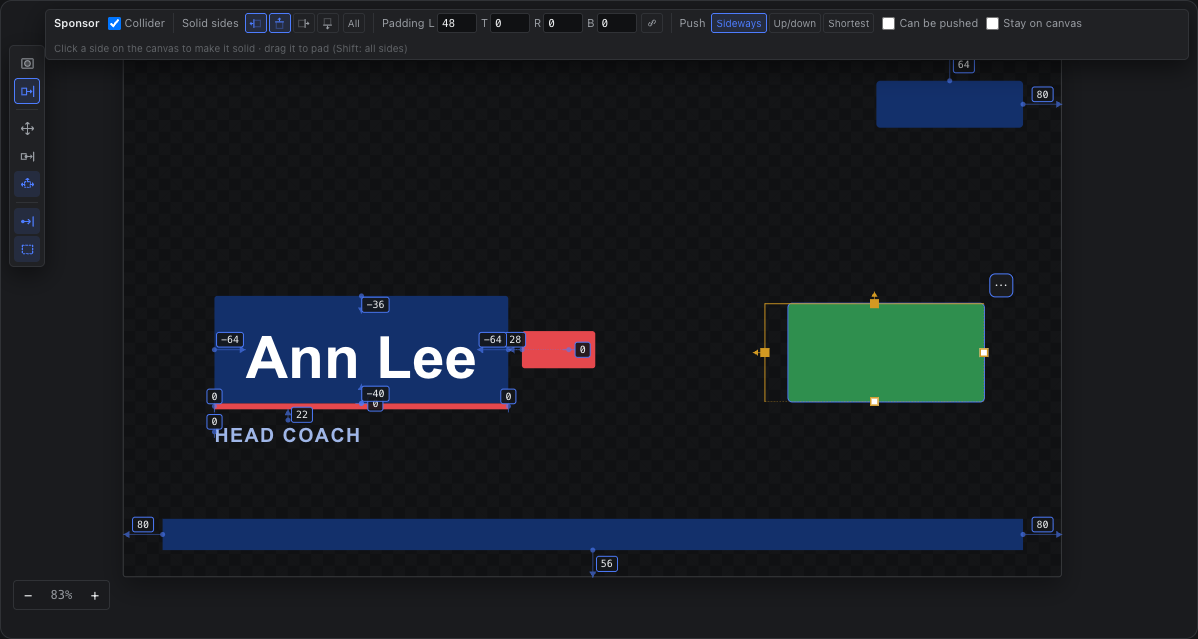
| Solid sides | Two colliders push apart only across facing solid sides — my right and your left. The push goes out of the solid side: the arrow drawn on it. A side that is not solid lets other colliders through. |
| Padding | Grows the collider box past the item on each side (a guaranteed gap). Negative padding makes the collider smaller than the item, so items may overlap by that much. |
| Push | Sideways, Up/down, or Shortest (whichever separates them with the smaller move). |
| Can be pushed | Off: the item holds its place and the other one moves. |
| Stay on canvas | A push never moves the item further off the canvas; it goes the other way, or the other item moves. |
With the Collider tool, click a side of the selected item to make it solid or not (on an item without a collider, the side you click becomes its one solid side). Drag a side to pad it — outward grows the collider, inward shrinks it; Shift pads all sides, Option both opposite sides.
Colliders stop anchored items
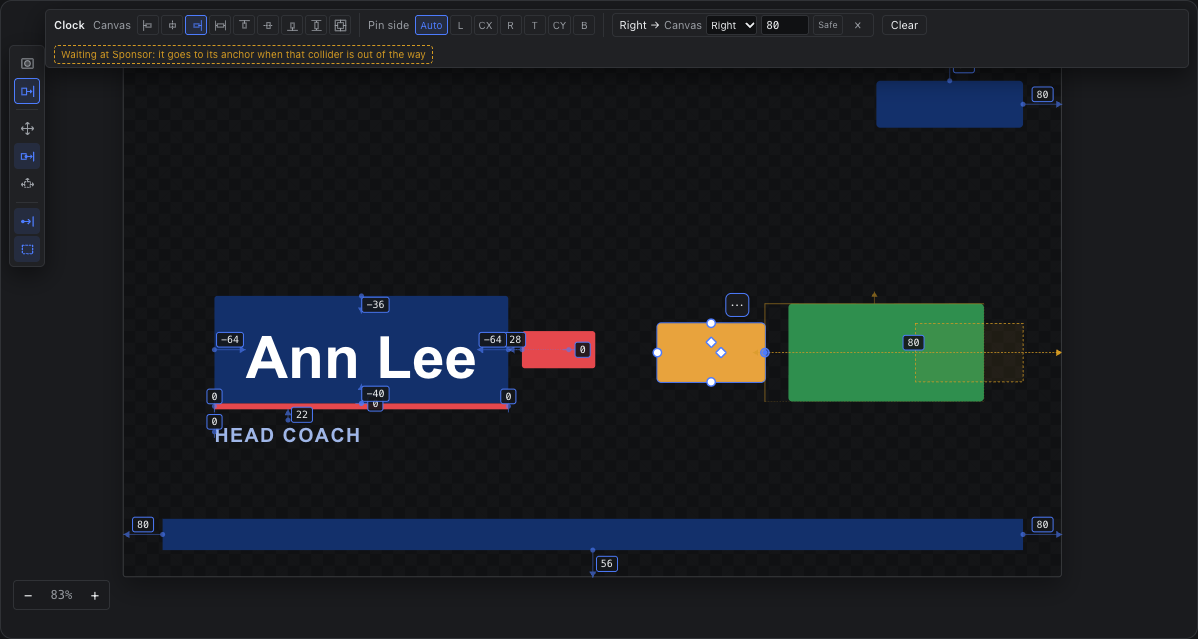
An anchored item travels from where it sits toward its anchored place. A collider standing in the way — its side facing the item is solid — stops it against the collider's box (padding included), and the item waits there for as long as the collider is in its path. Move the collider out of the way, hide it, or open that side, and the item goes on to its anchored place. The arrow turns amber and a dashed outline shows where the item is headed; the options bar names what it is waiting at.
- Where it sits is where it was put by hand: dragging or nudging an anchored item moves that starting point too, so a drop past a collider stays put.
- Only colliders block: the item itself needs no collider (if it has one, its leading side must be solid and its padding counts).
- What an item is pinned to, its own group or members, and anything that follows it never block it.
- A collider already overlapping the item where it sits is not in its way; that overlap is the colliders' business (both need a collider to push apart).