Variables
Typed values, lists and key–value maps the operator edits live — with sorting and reordering that animates on air.
Turn one designed row into a table graphic in one step.
The quickest way to build a leaderboard, a line-up or a results table is to design a single row and let Glider repeat it.
- Design one row: a plate, a name text, a score text, a logo image. Give the texts and images clear names (Team Name, Score) — they become the list's field names.
- Group the row (select the parts → Group).
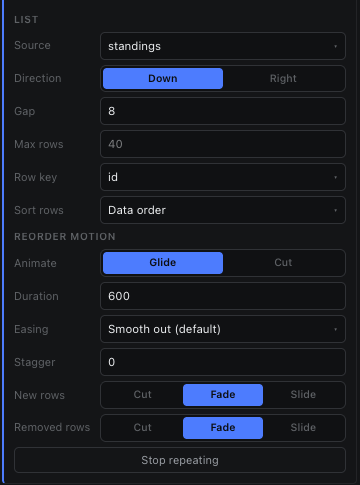
- Select the group, open the Variables tab and press From group. (Inspector → List → Make list from this group does the same.)
- Glider creates a list whose fields are the row's texts and images, fills the first row with what the design shows, binds the row to it and repeats the group once per row.
- Press Add row and type the other rows' values. The graphic grows one row per item.
| In the row | Becomes |
|---|---|
| A text whose content is a number | A Number field |
| Any other text | A Text field |
| An image | An Image field (its source) |
| Plates, shapes, video | Design only — the same on every row |