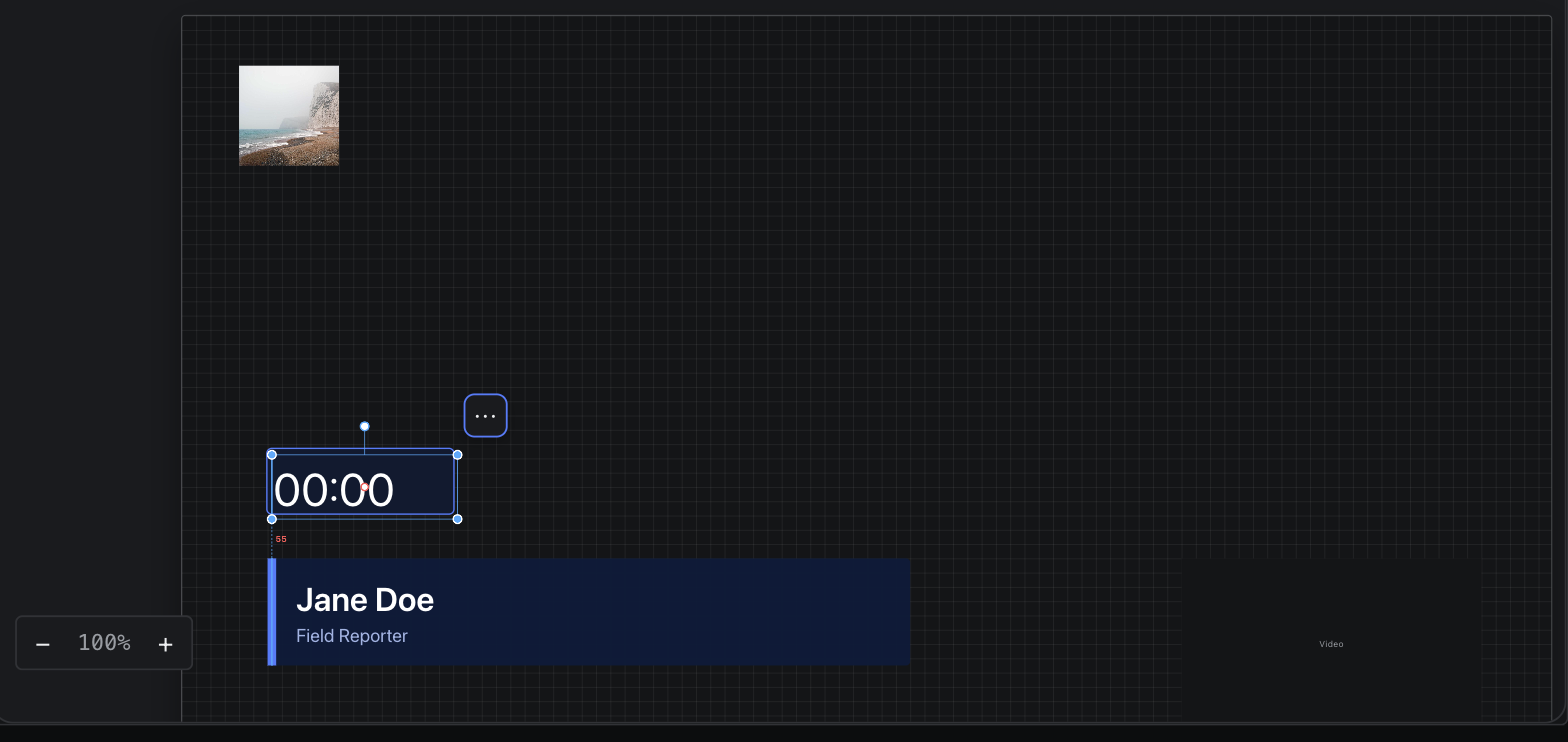
Canvas
The design surface: navigation, selection, transform, snapping and ordering.
Move, resize, rotate and nudge.
| Gesture | Result |
|---|---|
| Drag the body | Moves the selection. |
| Drag where another item covers the selection | Moves the selection anyway — a shape under a photo clipped to it, for example. A click without a drag still selects what is on top. |
| Drag a handle | Resizes. |
| Drag the rotation handle | Rotates. |
| Shift while resizing | Locks the aspect ratio. |
| Shift + body-drag (single node) | Scales about the centre, ratio locked. |
| Arrow keys | Nudges by 1 px. |
| Shift + arrow keys | Nudges by 10 px. |
On a graphic scene the selection is bounded by the page's frame — you cannot drag a component off the frame. An infinite control-panel canvas has no bounds.