Canvas
The design surface: navigation, selection, transform, snapping and ordering.
Clicking, marquee and the selection chrome.
| Gesture | Result |
|---|---|
| Click a component | Selects it. |
| Shift / Ctrl / Cmd + click | Adds to or removes from the selection. |
| Drag on empty canvas | Marquee-selects everything the rectangle touches. |
| Drag a marquee to the viewport edge | Auto-scrolls while you keep dragging. |
| Click empty canvas | Clears the selection. |
| Right-click a component | Selects it (a right click inside the selection keeps the selection) and opens its context menu. |
| Right-click empty canvas | Clears the selection and opens the canvas menu: Paste, Select All, zoom. |
| Alt / Option + click, one item selected | Clips that item into the item under the pointer, moving it directly in front. Alt-click the same base again to release. The two items have to share a group. |
| Click a part a mask or clip hides | Passes through to whatever is visible there. |
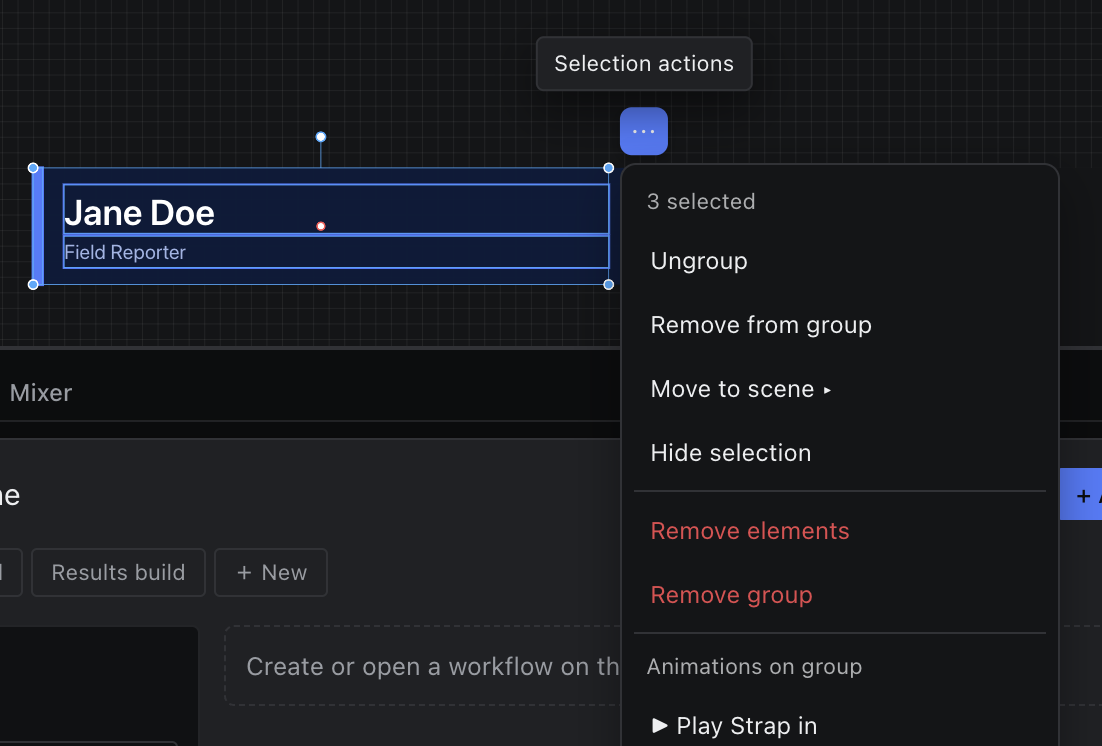
A small drag threshold keeps an accidental two-pixel wobble from starting a marquee. The selection's actions live in the right-click context menu.