Your First Page
Build a lower-third that reads live data and plays to air, end to end.
An in and an out.
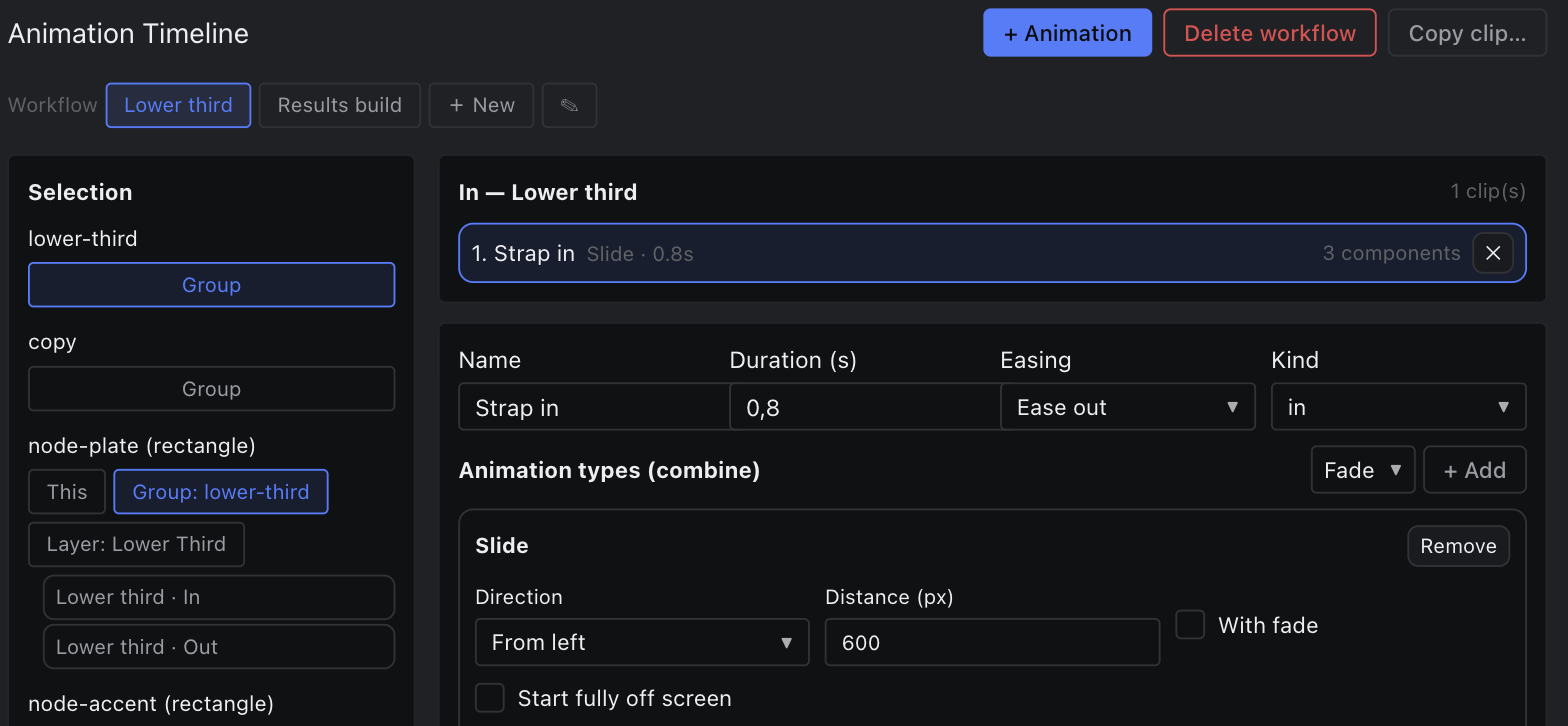
- Bottom dock → Timeline. Click New to create a workflow and name it lower-third.
- Add a target and pick the lower-third group.
- Choose an animation type — Slide, from the left — for the In phase, then add an Out clip with the same type reversed.
- Press play on the transport and watch it run on the canvas. Adjust the duration and easing until it feels right.