Your First Page
Build a lower-third that reads live data and plays to air, end to end.
Point the text at a store path.
- Menu bar → Logic → Data, switch to the JSON view, and enter {"presenter": "Jane Doe", "role": "Field Reporter"}. Apply it.
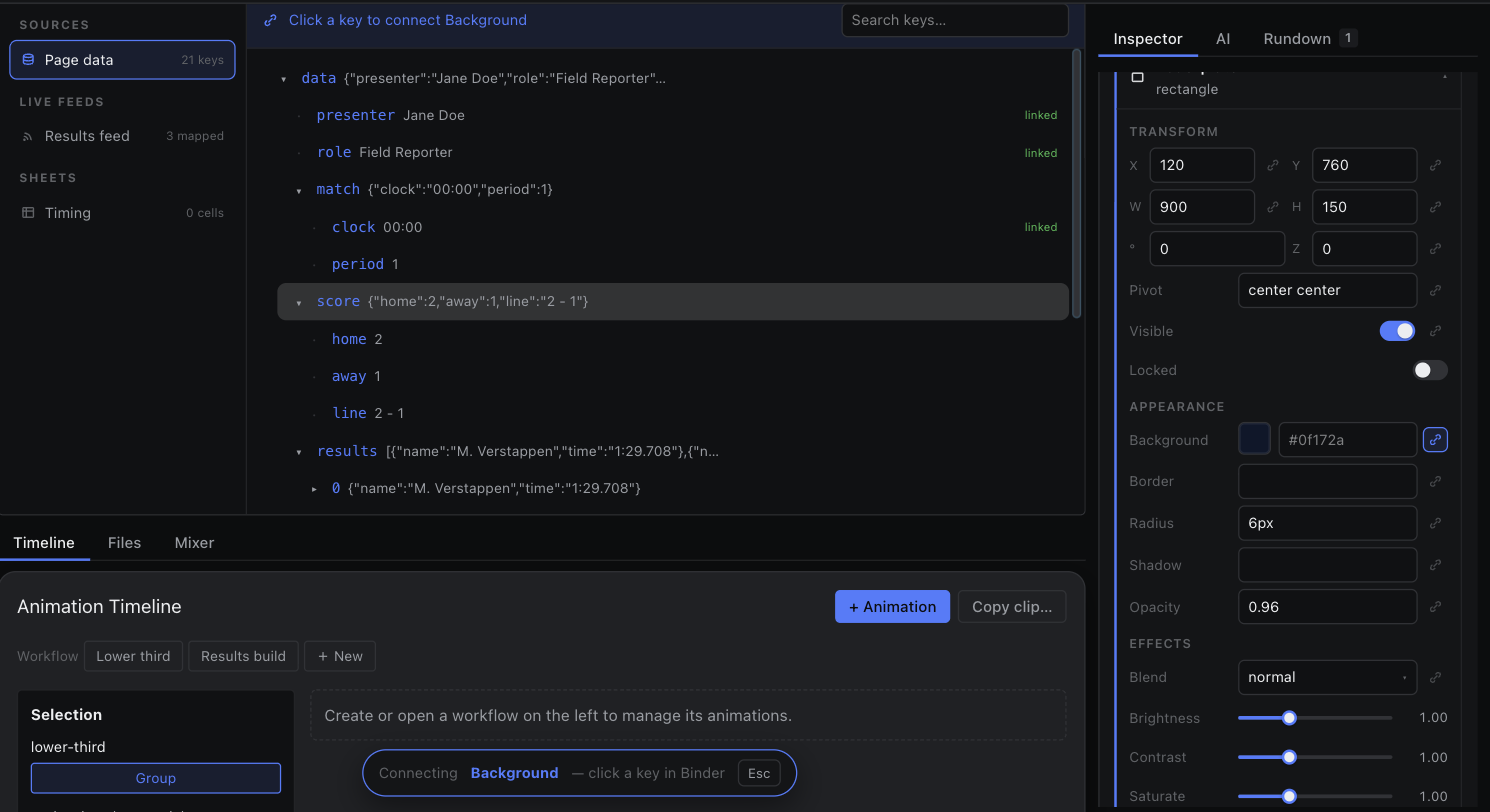
- Select the presenter text node. In the inspector's Content section, click the bind icon beside Text.
- The Binder opens with the header reading “Connecting Text — pick a key …”. Under Page data, click presenter.
- The text now paints Jane Doe and its input is locked. Repeat for role.
Change the value in Logic → Data and the graphic follows immediately. That is the whole binding model — everything else is where the value comes from.