Your First Page
Build a lower-third that reads live data and plays to air, end to end.
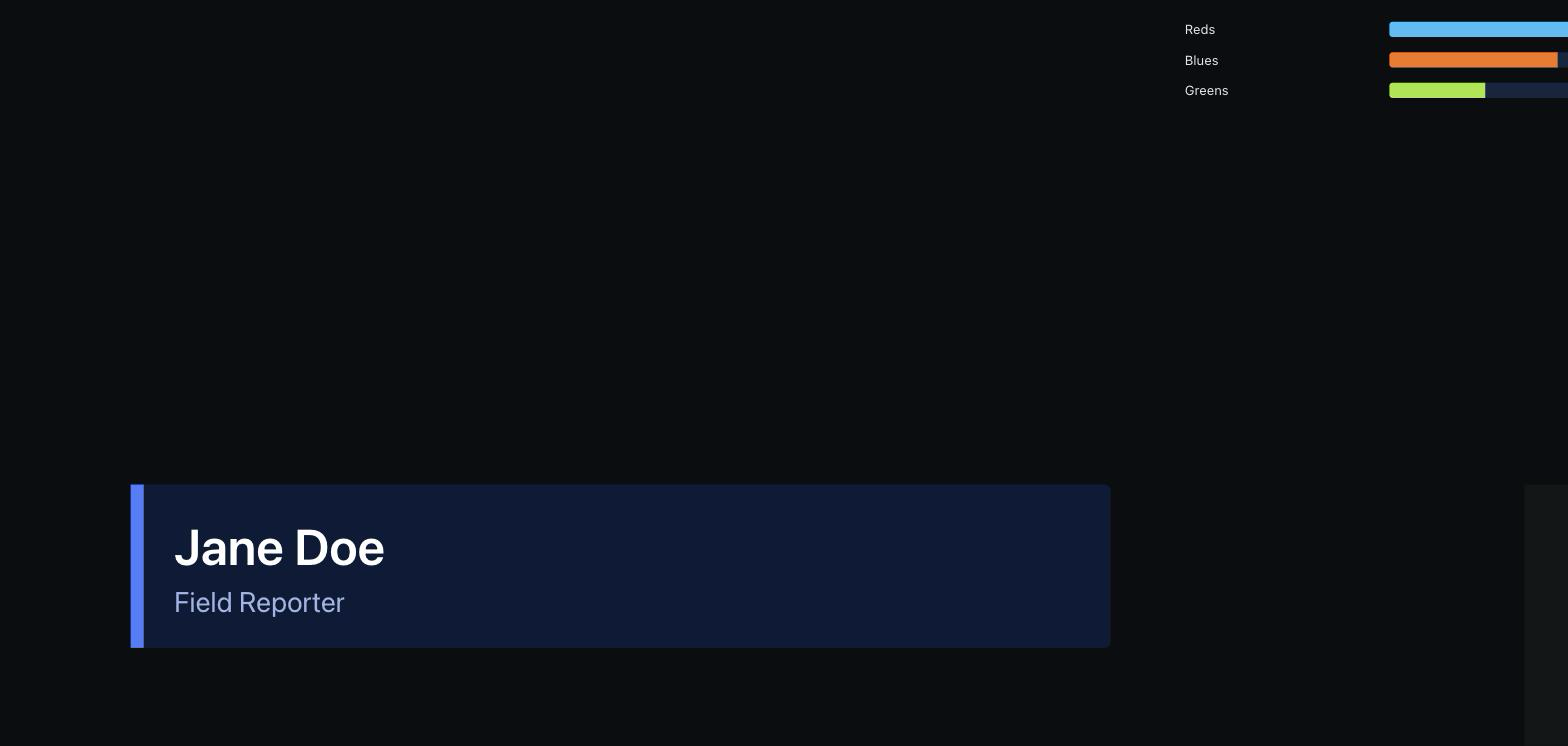
Publish, open the output, run it from the rundown.
- Right dock → Rundown. Move the lower-third workflow from Available into the playlist, and set its In and Out.
- Menu bar → Page, and turn on the live toggle for this page. If the go-live gate refuses, fix what it names — see Pre-flight Checks.
- Click Preview ↗ to open /view/<id> in a second window. That URL is what a mixer points at.
- Back in the rundown, press Enter to take the row. The graphic animates on in the output window; press Space to take the next, or toggle the row off to take it out.
Where to go next
- UnitsReplace static data with a clock, a counter or a poller.
- Control PanelsGive an operator buttons instead of the editor.
- Stream DeckPut those buttons on hardware.